Koma Vault Manual
Koma Vault is a high-performance comic reader for local and remote libraries. It reads local CBZ, CBR, and image-based EPUB files, and it can connect to Komga, Kavita, OPDS 1.x, OPDS 2.0 JSON, and OPDS-PSE sources you configure.
This manual explains the product from the user side:
- add local comics and folders;
- connect remote sources;
- read, search, and resume books;
- download remote books into Offline Vault;
- review Activity & Maintenance;
- understand the privacy model.
Koma Vault is a native app, not a web reader. The website is for product information, support, screenshots, privacy information, and the user manual.
What Koma Vault Is Best For
Koma Vault fits readers who keep their own files or run their own library servers. It is local-first: there is no required Koma Vault account, no developer-operated content server, and no automatic analytics service in the current release candidate.
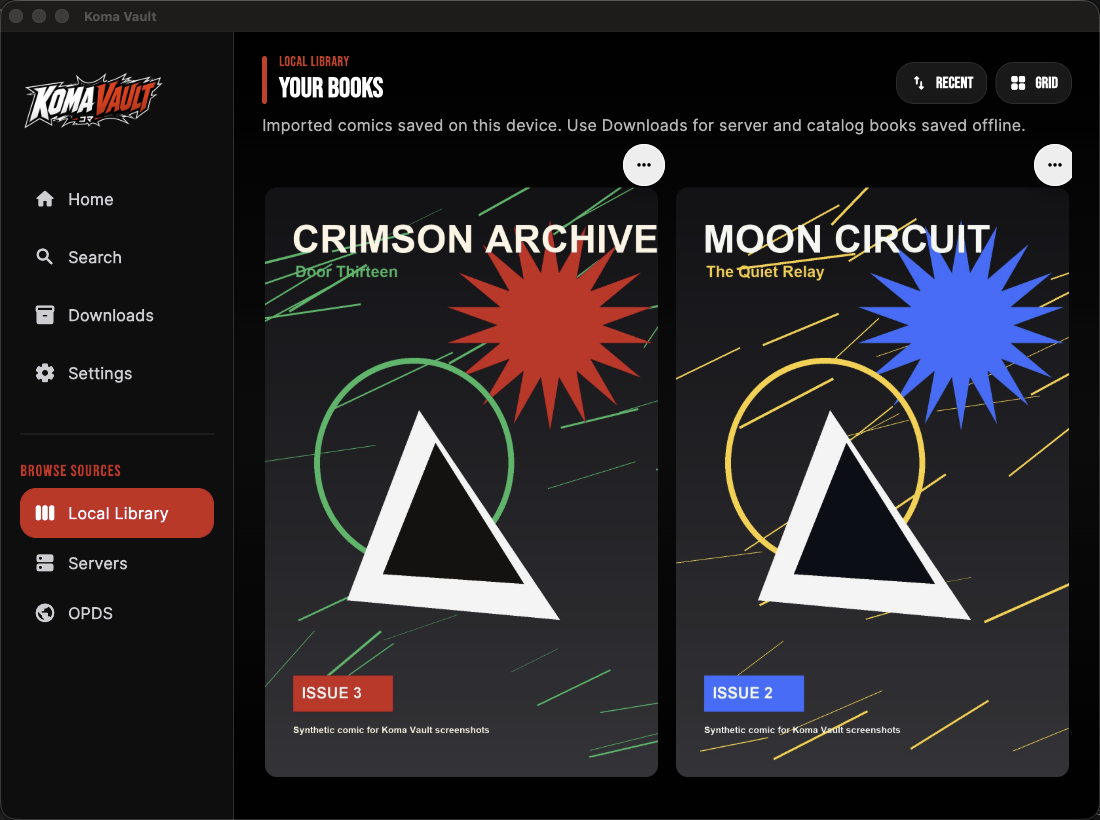
The app is designed around three shelves:
| Shelf | What it means |
|---|---|
| Local Library | Imported files and scanned folders on the device. |
| Server Connections | Komga and Kavita servers that you add yourself. |
| OPDS Catalogs | OPDS feeds for browsing, importing, or direct reading. |
Quick Path
- Open Koma Vault.
- Choose Home.
- Pick Local Library, Servers, or OPDS Catalogs.
- Add a source or import a comic.
- Open a book to start reading.
- Use Search, Downloads, and Settings when you need global search, offline management, or reader settings.